You Might Have Film Grain Backwards
Christoph Klutsch on Grain, Scanning and What We Get Wrong

by Timea Buknicz
September 22, 2026 | 10 min read
Christoph Klutsch on what really determines film grain, why scan resolution matters more than you might think, and what digital grain simulations often get wrong.
Grain. Who doesn’t love grain?
It’s probably one of the first things we reach for when we want to take the digital edge off an image and bring a little analogue soul back in.
But real film grain is not just noise sprinkled over an image. Its appearance is tied to format, film speed, scan resolution, colour and even where it appears across the tonal range.
Fashion photographer and MINILAB founder Christoph Klutsch has spent rather a lot of time going down that particular rabbit hole.
And, as he puts it:
“I had it backwards for years, and I have the ugly scans to prove it.”
Over to Christoph.
 BACK
BACK A DEEP DIVE INTO GRAIN, BY CHRIS KLUTSCH
I have been photographing beauty and fashion out of Offenbach am Main for about twenty years. Most of that work is digital, most of it goes to clients who need the files by Thursday, and for a long stretch I did not think about film at all.
Then I started scanning my own negatives again. Not for a project, and not for anybody. I have been doing it far more obsessively than is good for anyone, and it started with a question I could not put down: why does the grain in my scans never behave the way the sliders tell me it will.
I had it backwards for years, and I have the ugly scans to prove it.
Every grain plugin I have ever used has a control called size. Some call it scale. Same thing, and it corresponds to nothing that happens on film. Grain is silver, and the silver was there before you touched anything. What changes is how much of the negative you are looking at, and how closely.
Which means grain size is not a thing you choose at the end. It falls out of three decisions you already made: how big the negative was, how fast the film was, and how finely somebody scanned it. Two of those most people have right. The third one is where I lost two years.
Format
This is the easy one, and most people already have it in their hands even if they have never said it out loud.
A 35mm frame is 36 by 24 millimetres.
A 6x7 frame is roughly 56 by 70.
To get both onto the same print or the same screen, the 35mm frame has to be enlarged around four times as much in area. The silver clumps are enlarged with it.
So the same film, the same developer, the same everything, reads coarser on 35mm than on medium format. The grain did not change. You magnified it more.
Anyone who has run a 400 speed film through a Hasselblad and then through a Leica on the same afternoon knows this without needing the arithmetic. What is worth saying anyway is that format is a grain decision, and you make it when you pick up the camera. No slider afterwards unmakes it.
“Format is a grain decision, and you make it when you pick up the camera.”
Speed is the other one, and it is the only place in this article where the rule of thumb is simply correct. Faster film, larger silver halide crystals, more visible grain. Slower film, finer crystals, less of it. I am not going to pad that out to make it look more sophisticated than it is.
One nuance is worth having, because it gets muddled constantly: push processing does not make the crystals bigger. It develops more of them further, which raises contrast and makes the grain read harder rather than larger. Two different things that look similar in the result and get talked about as if they were one.
The scan is the part nobody mentions
Here is where I was wrong, and wrong in the confident way.
I assumed, without ever once examining the assumption, that a higher resolution scan meant finer grain. More detail, smoother file, obviously. It is the other way round.
The silver on the negative is a fixed size. It has no idea what you are about to do with it. When a lab scans at a low resolution, several grain clumps get averaged into a single pixel and vanish into smooth grey. Scan the same negative more finely and each clump gets its own handful of pixels. The grain did not grow. It got resolved. And resolved grain reads as bigger, harder and more present than grain that was never resolved in the first place.
Take one frame, scan it at 2000 dpi and at 4000 dpi, look at both at 100 per cent. The finer scan looks grainier. Every time. That is not a fault in the scan. It is the first time you are seeing what is actually on the negative.
The consequence took me longer to accept than the physics did. Your lab's default scan resolution is part of your look. If your scans have always felt smooth and creamy, and you have quietly credited that to your film stock or your developer or your own restraint, there is a fair chance you have been looking at a resolution ceiling and calling it a style.
“Your lab’s default scan resolution is part of your look.”
I am not telling anyone to scan finer. I am saying find out what your lab actually does, because right now it is making a decision about your work that you did not know was being made. It is one email. The answer will explain more about your archive than any amount of dragging sliders.
For what it is worth, I do not have a fixed lab. I have tried a good number of them over the years, one of them a lot for a while, and depending on which country I happened to be in and where I had just seen interesting work, I kept switching. I have always liked trying things. And my routine with any lab was the same anyway: scan the material as neutrally as possible. So I never had a favourite with a special workaround or a house look built around it. That part I did at home, individually.
Grain has colour
Colour negative film has three emulsion layers. Three layers means three sets of silver, and after development three sets of dye clouds sitting at slightly different depths. What comes out of that is not neutral. It has colour in it, and the colour is not evenly spread. Blue channel grain in particular tends to be coarser and louder than the other two, which is why skies and shadows are where you notice grain first.
Almost every grain tool I have used adds neutral grey noise. On black and white that is right, because black and white is silver and silver is grey. On colour negative it is not right, and once you have seen the two side by side at 100 per cent you cannot go back. Grey grain over a colour image looks like something laid on top of it. Coloured grain looks like something the image is made of.
“Grey grain over a colour image looks like something laid on top of it. Coloured grain looks like something the image is made of.”
I would not have believed how much of the digital quality of simulated grain comes down to that one thing.
One more thing about where grain shows up, because it changes what you do with it. Grain is most visible in the midtones, and considerably less so in deep shadow and in bright highlight. In the shadows there is not enough density for the clumps to separate from each other, and in the highlights the density is high enough that they merge. So the sky in a landscape and the flat wall behind a portrait are where grain lives, and a face lit at the right level often carries far less of it than the background it is sitting against.
That has a practical consequence I did not expect. Grain applied evenly across a whole frame reads wrong even when the size and the colour are right, because film never distributed it evenly in the first place. It followed the density. Any treatment that ignores that is putting a flat layer over an image that had a three-dimensional one.
While we are in this corner, the other thing that gets conflated. Bloom happens in the lens: bright light scatters inside the glass and spills around itself, softly and roughly symmetrically. Every optical system does it, digital included. Halation happens behind the emulsion: light passes through the film, hits the backing, reflects back up into the emulsion from underneath. It shows as a glow around bright points, and on colour film it is usually warm, because the red-sensitive layer catches most of the returning light.
The detail that gives simulations away is this. Most black and white films carry an antihalation layer built to stop exactly that reflection. So a black and white frame with a big red glow around the highlights is a look that never existed on film. It exists because somebody applied a colour halation effect to a monochrome image and nobody in the chain asked.
What I cannot measure
This is the part I would want to read in somebody else's article, so it belongs in mine.
The grain in the tool I ended up building comes from my own film material, scanned here. That I will stand behind, so here is what is actually in it. To be honest about it, I do what many people in professional work do and shoot almost exclusively the Kodak Professional line: whatever the Portra range offers goes into the cameras, medium format and 35mm alike. For my own snapshots and random frames I happily reach for Kodak's consumer side, Kodak Gold mostly, partly for the price and partly because I still like the look a lot. So in fairness, nearly every scan behind it, apart from the black and white rolls, comes from those Portra films.
The colour behaviour is a different matter, and I want to be precise about it. What software calls a film profile is a profile. It is a set of curves that produces a plausible result, built by comparing against a reference. It is not a measurement of a film. Anyone in this corner of the industry who tells you their colour response was measured off real stock is asking you to take their word for something they have not shown you. Including me, if I ever slip and phrase it that way.
The distinction matters more than it usually gets credit for, because it is the difference between "this is what the film did" and "this is what we think looks right". Both are legitimate positions. Only one of them is a measurement, and the two get sold as if they were the same thing.
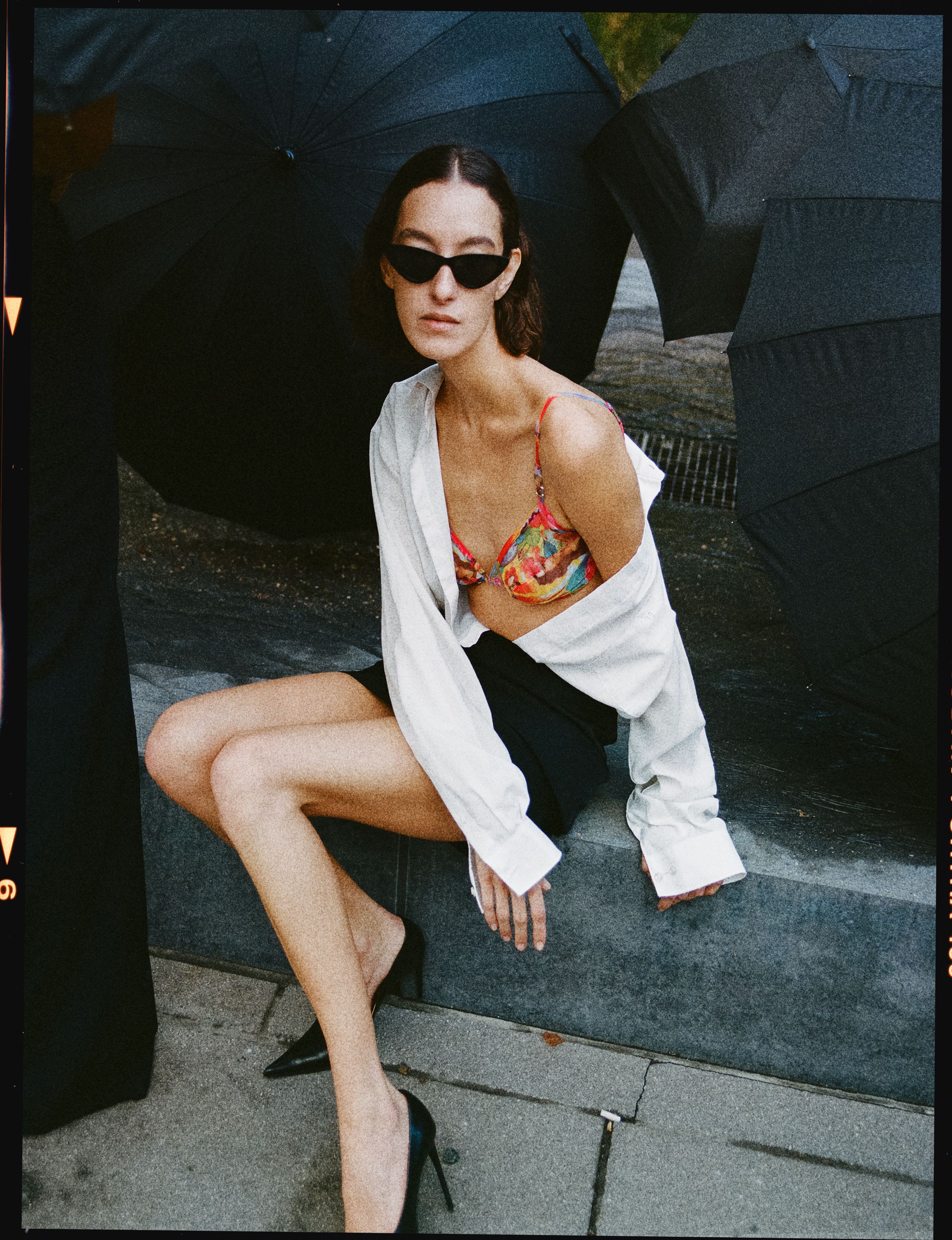
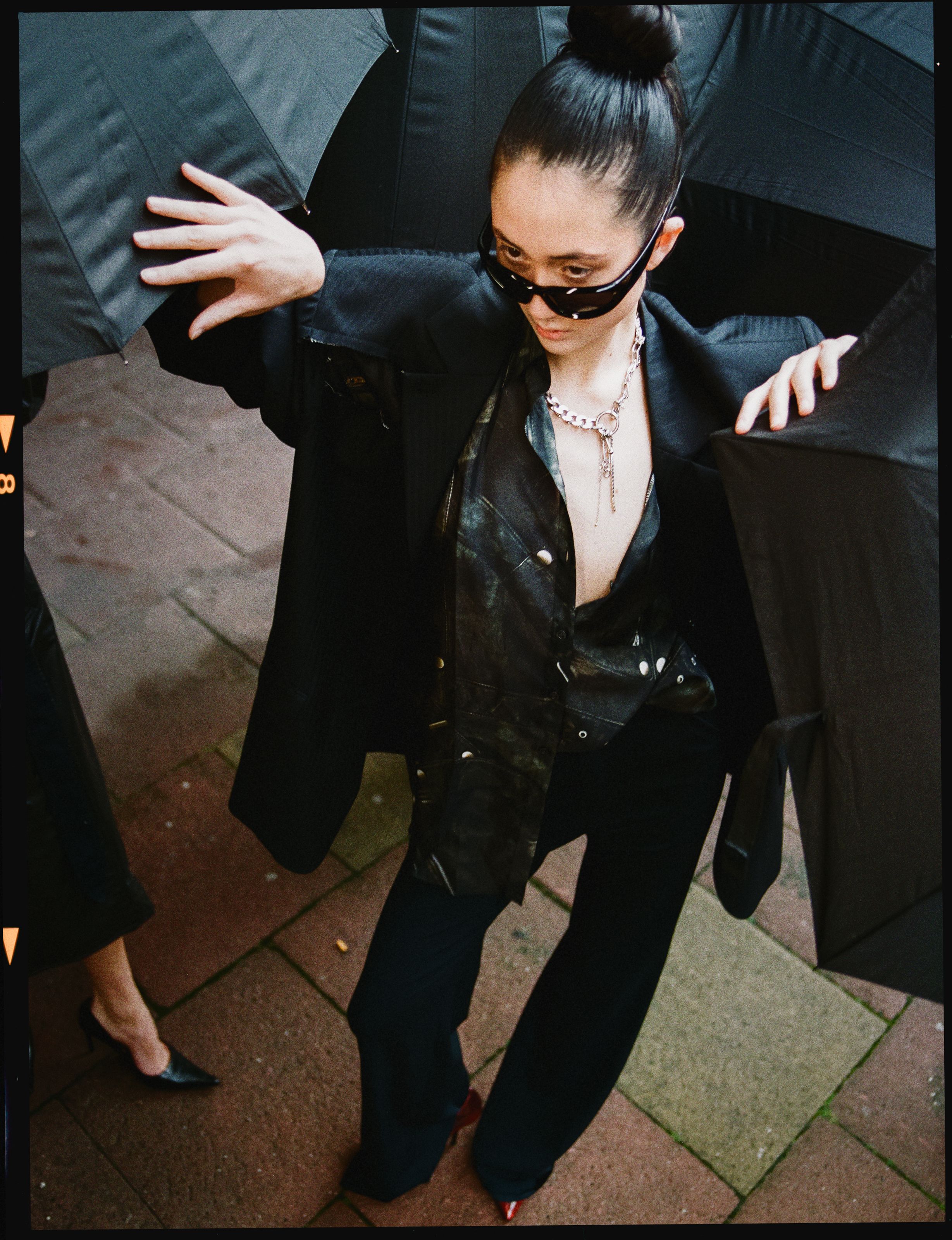
MINILAB
ll of the above turned into a small browser tool called MINILAB, which I built and which I sell, so take the next two paragraphs with that in mind.
It is a heart project, and it is aimed at a community I belong to: people who shoot film and love it, and who still want the pictures that inevitably come out of a digital camera these days to carry a bit more of that analogue soul. What we tried to do is take the steps a lab would handle in an analogue workflow and put them into one small, handy app. The grain in it comes off my own negatives, for the reasons above.
It runs in a browser, there is no upload and no account, and the files stay on the machine they started on. The price is deliberately kept fair and low, this is a 1.0, and it is meant to grow out of what the community feeds back: reactions, wishes, ideas. What I would rather have than a sale is somebody who has thought about this longer than I have telling me where it is wrong. It is at minilab.photo.
That is my approach to grain, and it is one of several. The scan resolution part is the bit I actually wanted to tell you about. Everything else you can argue with, and I hope somebody does.
*Chris Klutsch photographs and directs out of Offenbach am Main.
MINILAB.PHOTO is an AiLaik™ product - run by VERMILION™ est. by Chris Klutsch*
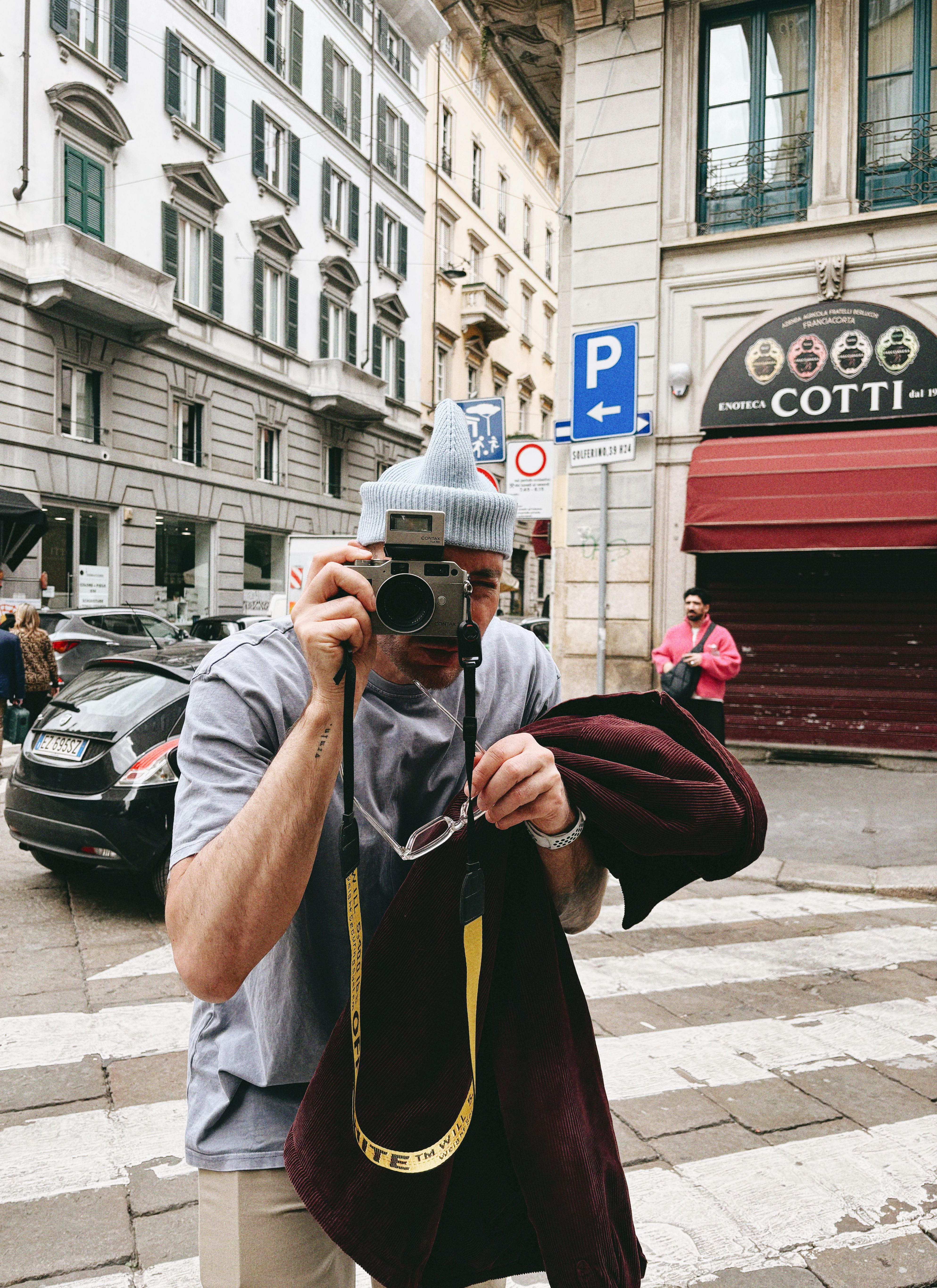
ABOUT CHRIS
CHRISTOPH KLUTSCH
Fashion photographer and director based in Offenbach am Main, Germany.
Founder of MINILAB, a browser based tool born from his experiments with film, scanning and his slightly obsessive pursuit of bringing more analogue soul into digital images.
FIND CHRISTOPH
Website · VERMILION™
Instagram · @vermilion_playground
LinkedIn · Christoph Klutsch
EXPLORE HIS PROJECTS
Verified Retoucher Database
We are building a global, skill-verified retoucher database.
A platform where professional standards are documented, structured and transparent.
Skill-verified means professional standards are demonstrated, not claimed.Assessment is category-specific and based on structured test retouching.
Results are measured, scored and displayed transparently on each professional profile.
Secure early access and priority review ahead of public launch.